

Parent Group-Chat Rules That Keep Small Problems From Becoming Big Ones
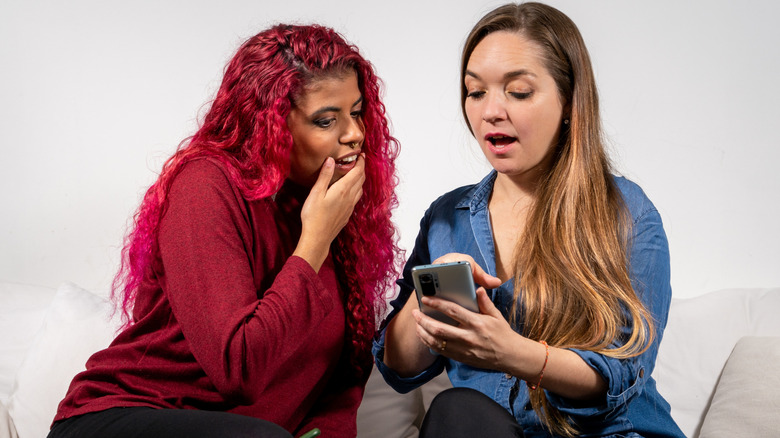
Thanks to online mom group chats, parents can connect and share information more conveniently than ever. With just a few screen taps, you can check on homework assignments, plan a recital gift for the dance coach, or ask questions about the carpool. But as with all things tech, these convenient text-shares can have their downside: privacy violations, oversharing, and just plain inconsiderate behavior. Following simple rules will ensure that your own mom group chat stays civil and helpful.
Start with the basics: Make sure everyone in the chat includes their name and phone number when they join, so you'll know who's speaking. Once the chat group has been established, don't invite anyone else to join without checking with the admin first. When opening up a thread in your mom group, it's smart to scroll up to read the entire conversation before asking questions. We've all seen five people asking, "When's the meeting?" when the thread literally began: "Remember PTA meeting at 4 today." If you're creating the thread, begin it with a friendly greeting, then get to the point: "Hope everyone is having a good day. We need some more volunteers for the book fair — is anyone available?"
The chats should stay on one topic and be brief. Don't feel you have to respond to every comment, especially if you don't have anything new to add. Some moms like to share cute photos or inspirational quotes in the conversation, which can be annoying or even distracting. (If one of your group is at work, she may not want to answer a ping every two minutes and see yet another meme about tired moms and coffee.)
Mom chats should be a safe space

Above all, a mom chat group should be a safe place. To that end, what's shared in the group should stay in the group — and that goes double if the convo includes personal information. Meghan Markle, the Duchess of Sussex, recently got an unpleasant taste of this breach. In the fall of 2026, she and Prince Harry, Duke of Sussex, returned to the United Kingdom after six years of living a quieter life in California. They enrolled their children at a private school, and Meghan joined a WhatsApp group for parents. A screenshot of a friendly reply she sent to the chat was leaked. Naturally, the tabloids pounced on it, and Meghan's personal phone number became very public.
If a parent asks the group for advice, avoid "mommyjacking" — giving an unwanted opinion or an off-topic answer. For instance, if a mom says her child is upset about a teacher, don't discount her feelings ("Well, my kids never had a problem with Ms. Stafford") or tout the benefits of homeschooling.
Most mom chats are addressed to the entire group, but there may be times when you're addressing one or two people in particular. In those instances, take the conversation private, but get permission first: "Lily — I have a question about your Halloween party. Can I DM you?" If you've agreed to a one-on-one chat, make sure you're off the "reply all" setting. And once you leave the chat, close the app completely. The last thing you need is your phone open and the microphone tapped by accident when in a public place.
Keep chats polite and judgment-free

As with all social messaging, members of mom group chats should be respectful and steer clear of drama. Even a simple topic can escalate quickly, as the viral "Oreogate" exchange illustrates. An Instagram user shared texts from a supposed school chat group in which mom "Michelle," who had a no-sweets policy at home, asked the others not to put Oreos in their children's lunches so her daughter wouldn't feel excluded. Only after millions had watched and joined the debate (an insensitive school lunch mistake or a pushy parent?) was it revealed that the posts were part of a paid partnership with an AI music app. Even so, the kerfuffle rang true with real-life mothers.
To avoid being branded as a Michelle, watch your words and tone. Avoid "should" and "why did you" statements that can come off as mom-shaming. Any requests to the group should be reasonable. "My child is allergic to nuts, so please check with me before sharing snacks at soccer practice" is very different from "Let's stop bringing birthday cupcakes to school — kids don't need all that sugar!"
Sadly, some mom chats can become uncomfortable or stressful when the conversation strays into mean-girl territory. Keep the atmosphere welcoming by avoiding gossip, hot-button topics, and personal gripes. Need to back off from a chat for a while, but still want to stay connected? Put your app's settings on "mute" and ask a friend in the group, "I'm taking a break for a couple of weeks. Can you ping me if there's something important I should know?" The best mom chat groups remember that their purpose is to offer support and information in their shared parenthood journey.